
Product preview / 2027 launch
Aircraft buses,
on your bench.
Send a known signal to an avionics receiver, inspect its traffic and repeat the test from a recording. Open AVBI over Wi-Fi from your laptop, tablet or phone. No software installation required.
AVBI / HARDWARE PREVIEW
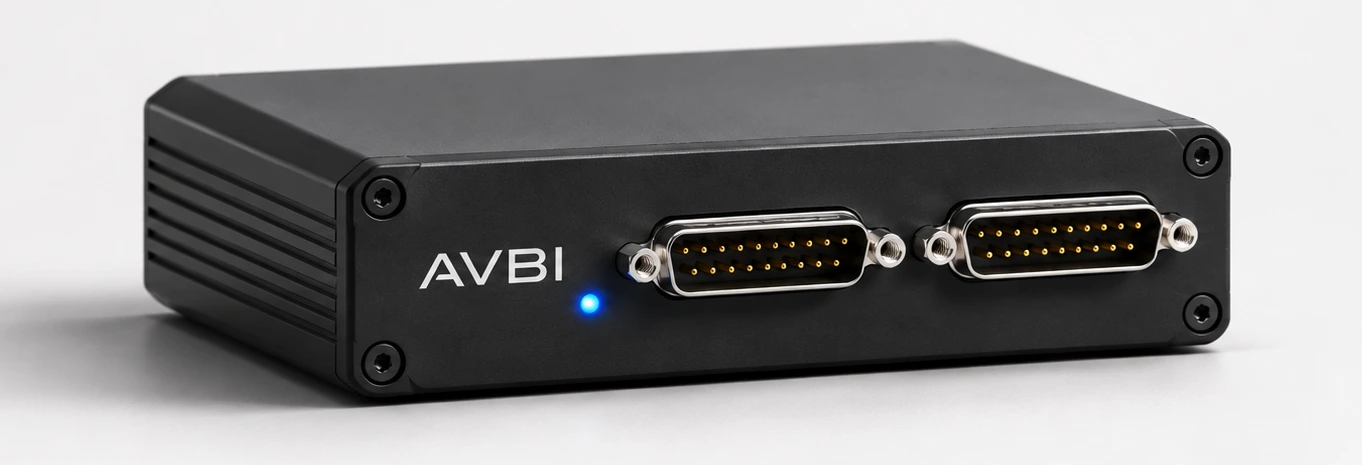
Front three-quarter view
ARINC 429
Monitor & transmit
SERIAL PORTS
RS-232 & UART
BENCH I/O
CAN · I²C · Digital
WIRELESS ACCESS
Browser over Wi-Fi
Bench application
Reproduce a reported fault
A colleague sends you a log from a receiver test. Use AVBI to put that traffic back on the bus and check how your unit responds.
Read the bench exampleSelect the recording
Open the shared log from the microSD card and preview its messages.
Replay it on the bus
Choose the output connected to the receiver. Play the messages with their recorded timing.
Retest the same sequence
After a software change, replay the file again and compare the receiver’s behaviour.
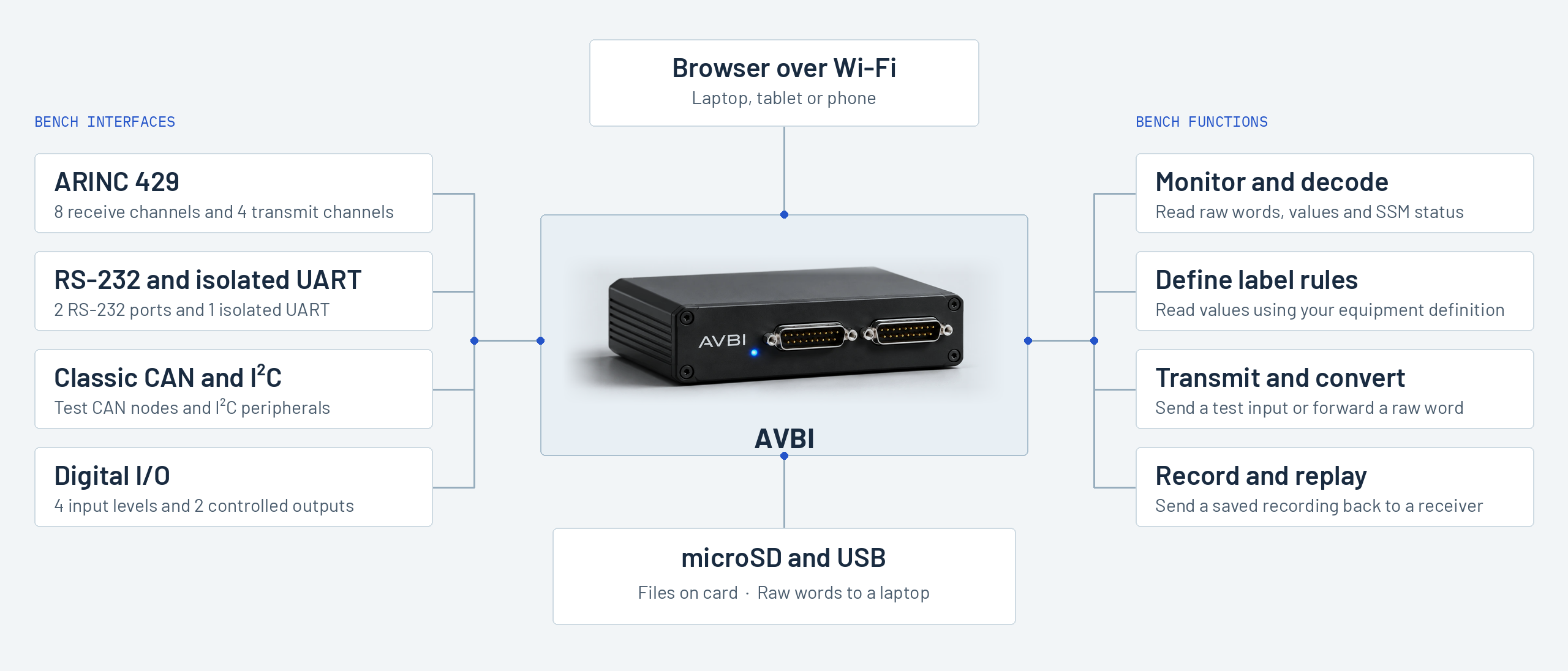
System overview
How AVBI connects to your bench
2027 launch
Planning a bench for AVBI?
Ask about availability, or tell us which test you would like the product to support.